Source
A breathwork app that unifies on-demand sessions with mood, nutrition, sleep and journaling in one wellness experience.
- Role
- UX & UI Design
- Timeline
- 3 months design, then ongoing iteration
- Deliverables
- Mobile app design
- Context
- In-house, Head of Product Development, 2022–2023

One cohesive, personalised
experience.
Source is a breathwork app offering on-demand content, courses and classes. The wellness market is crowded and most apps feel generic - disconnected tracking, one-size-fits-all content and no real sense of progress. Source needed one design to bring breathwork, mood, nutrition, sleep and journaling together.
Source had to solve three problems at once.
One intuitive interface
Holistic wellness tracking in one place.A personal touch
Shaped by how users actually feel.Rewarding check-ins
Daily check-ins that feel rewarding, not tedious.Three steps to holistic wellness.
Analyze
Wellness and mental health appsMeditation apps led on guided content, mood trackers on data logging.
Find the gap
Nobody did bothNo platform combined holistic tracking with personalized, intuitive design.
Combine
One app that tracks and guidesGentle enough for a first step, deep enough for a regular practice.
Calm & clarity.
A deep, muted palette anchors the interface, with rounded shapes and generous spacing for softness. Clean sans-serif headings feel modern and accessible, and light body text stays readable on dark backgrounds without feeling heavy. Imagery supports rather than dominates.
Home screen
Intentions
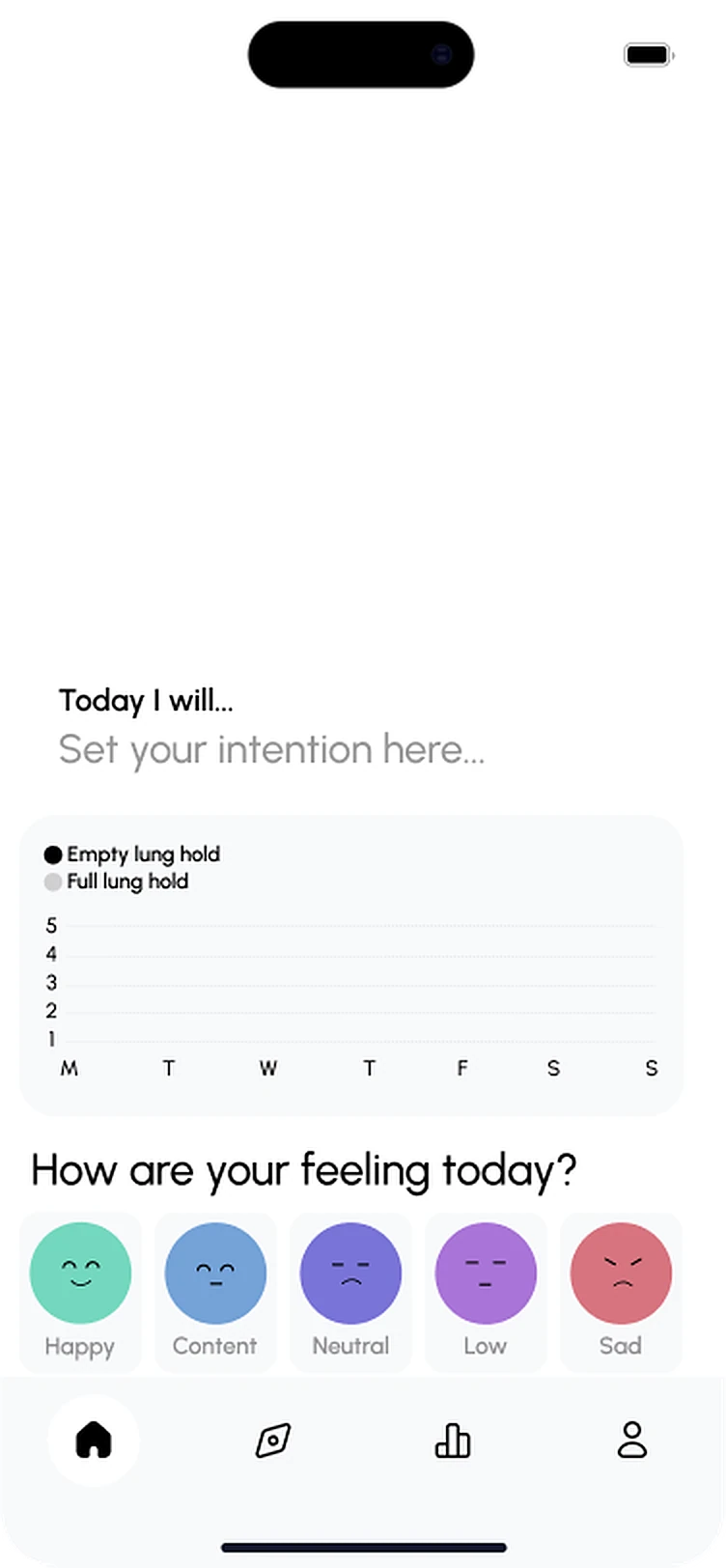
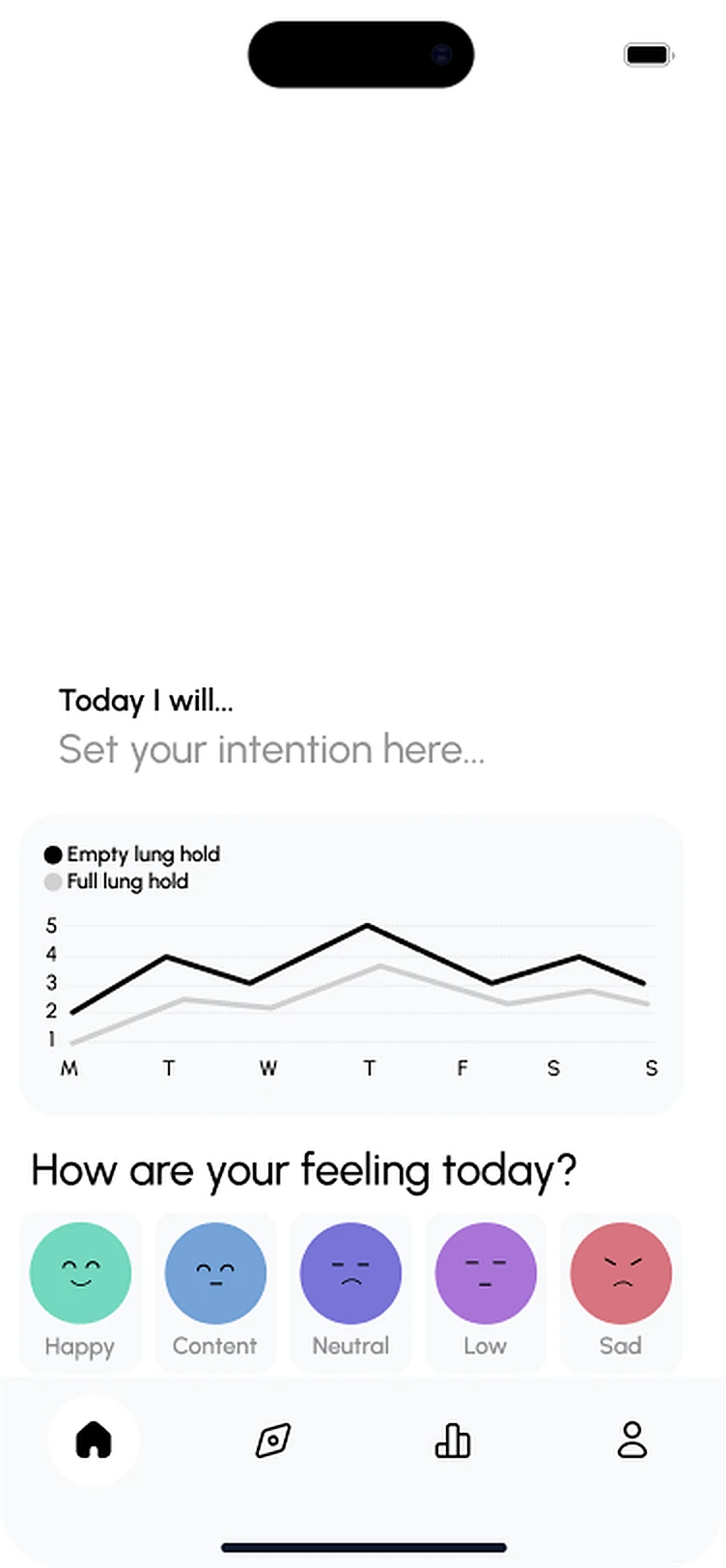
Set an intention for the day.
Making check-ins stick
Swipeable emoji make mood check-ins quick.

Breathwork tracking
Weekly chart tracks empty and full lung hold progress.
Intentions
Set an intention for the day.
Breathwork tracking
Weekly chart tracks empty and full lung hold progress.
Making check-ins stick
Swipeable emoji make mood check-ins quick.
Insights & reflections
Insights & reflections
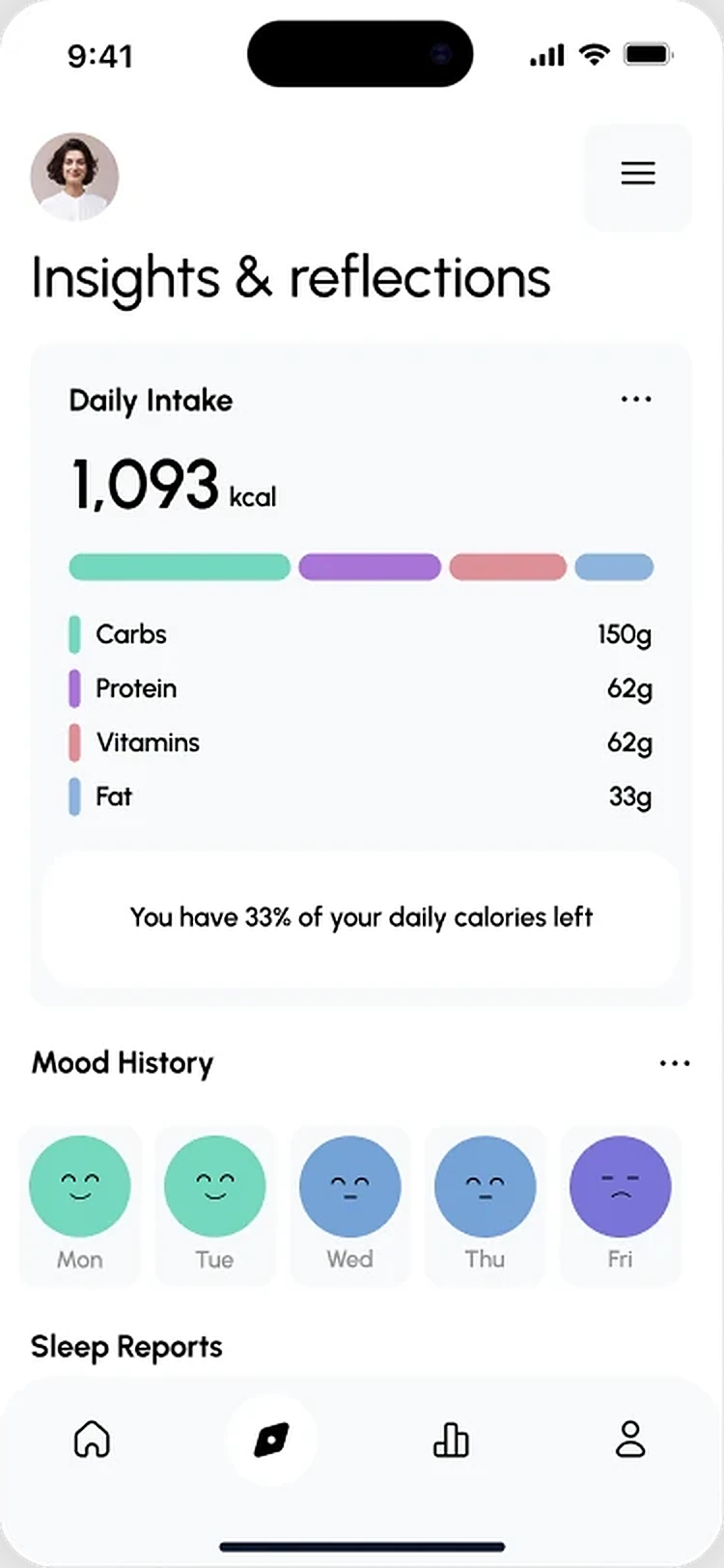
AI-generated insights surface patterns, linking habits to how users feel.
Mood tracking
Log mood in a tap with swipeable emoji.
Insights & reflections
AI-generated insights surface patterns, linking habits to how users feel.
Mood tracking
Log mood in a tap with swipeable emoji.
Breathwork session
Guided breathing
An animated orb guides each breath, expanding on inhale and contracting on exhale, over calm landscape imagery.

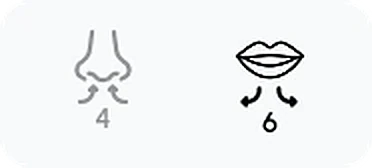

Breathing technique
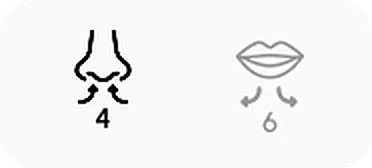
Simple icons show the technique: in through the nose, out through the mouth.
Guided breathing
An animated orb guides each breath, expanding on inhale and contracting on exhale, over calm landscape imagery.
Breathing technique
Simple icons show the technique: in through the nose, out through the mouth.

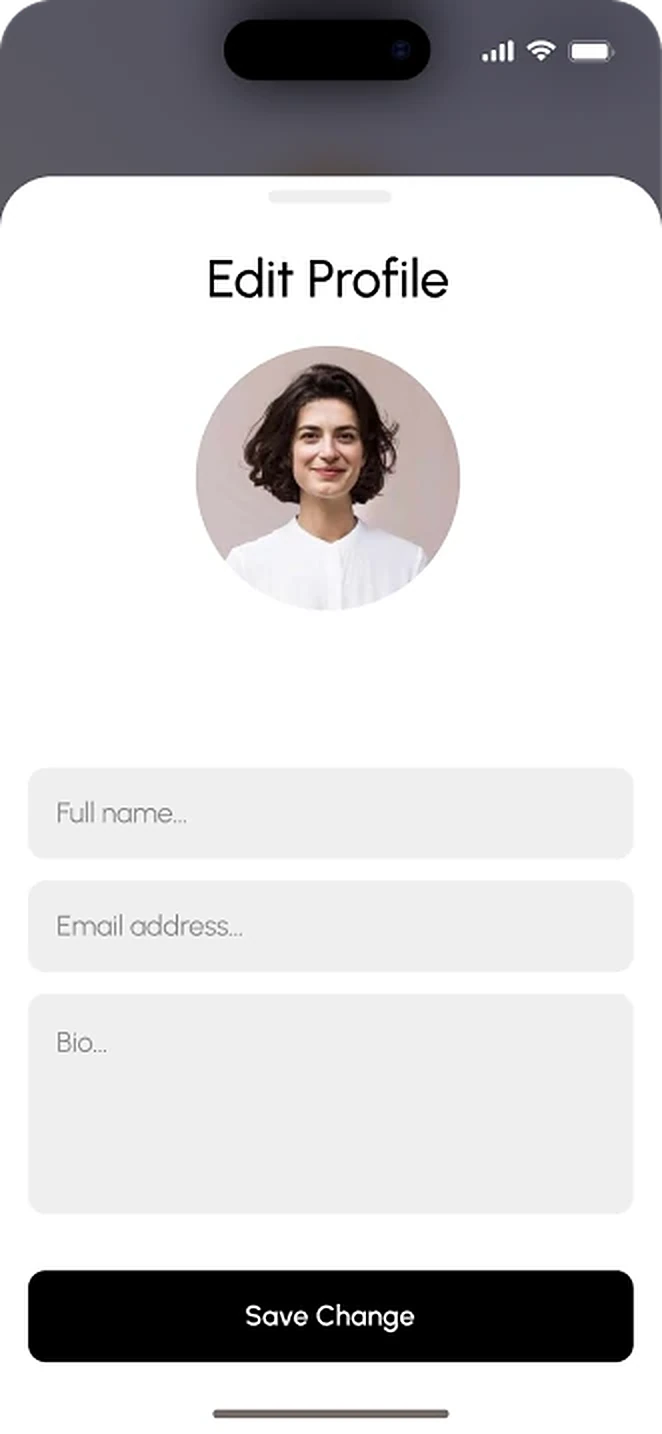
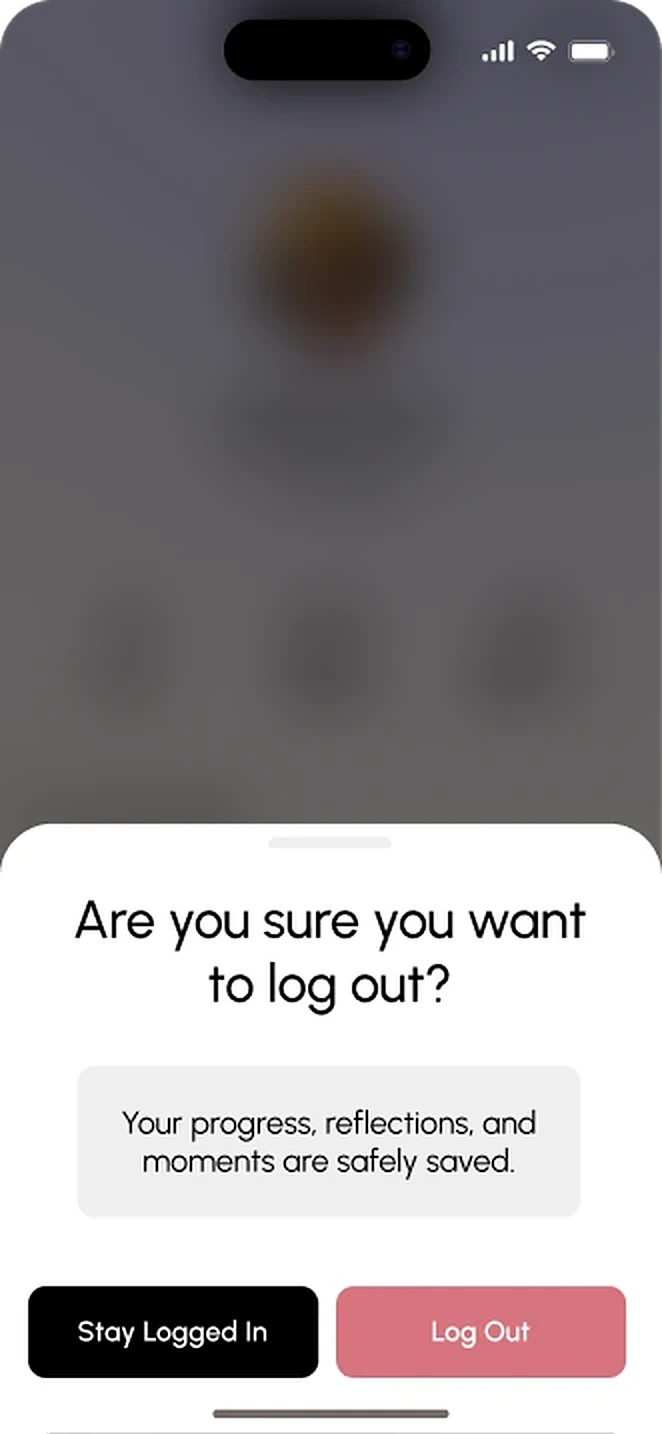
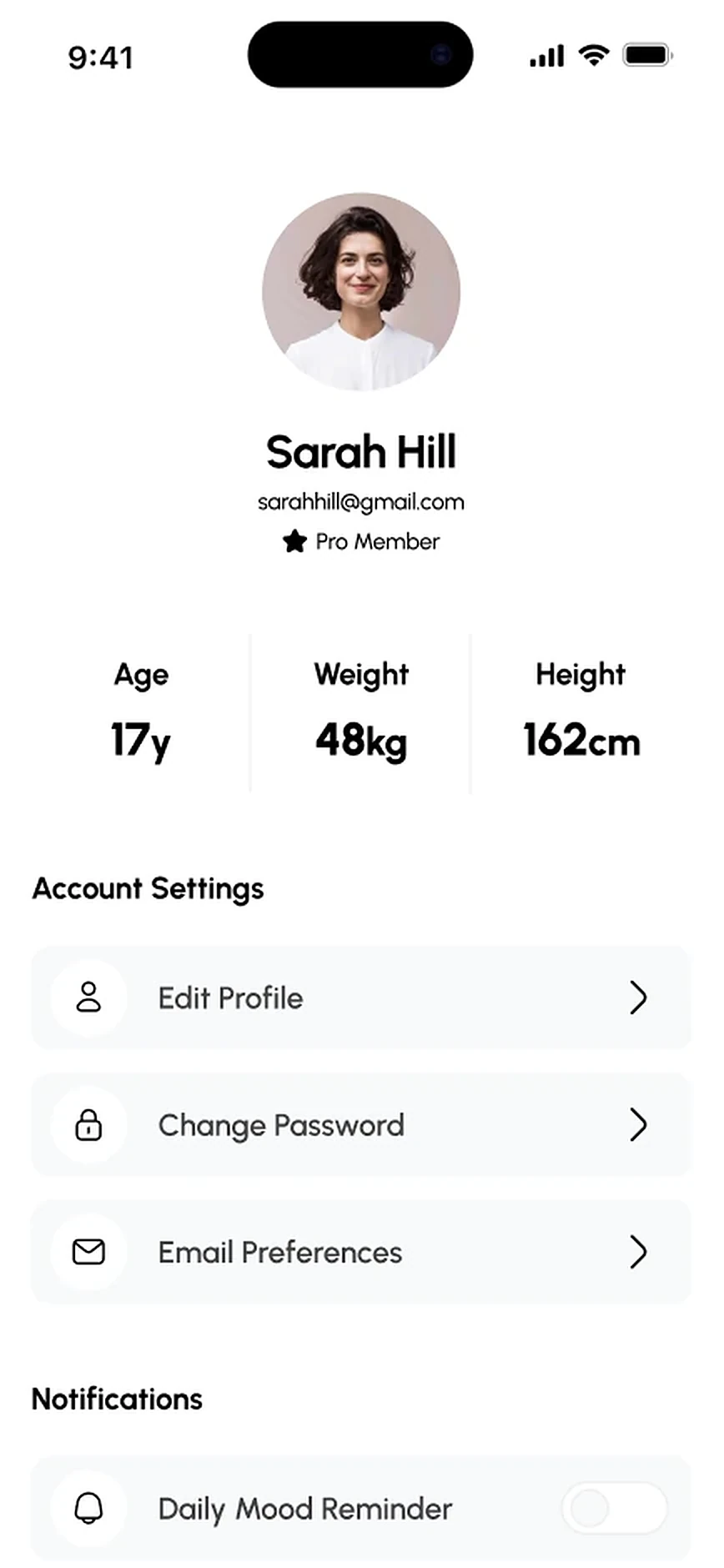
Settings & personalisation
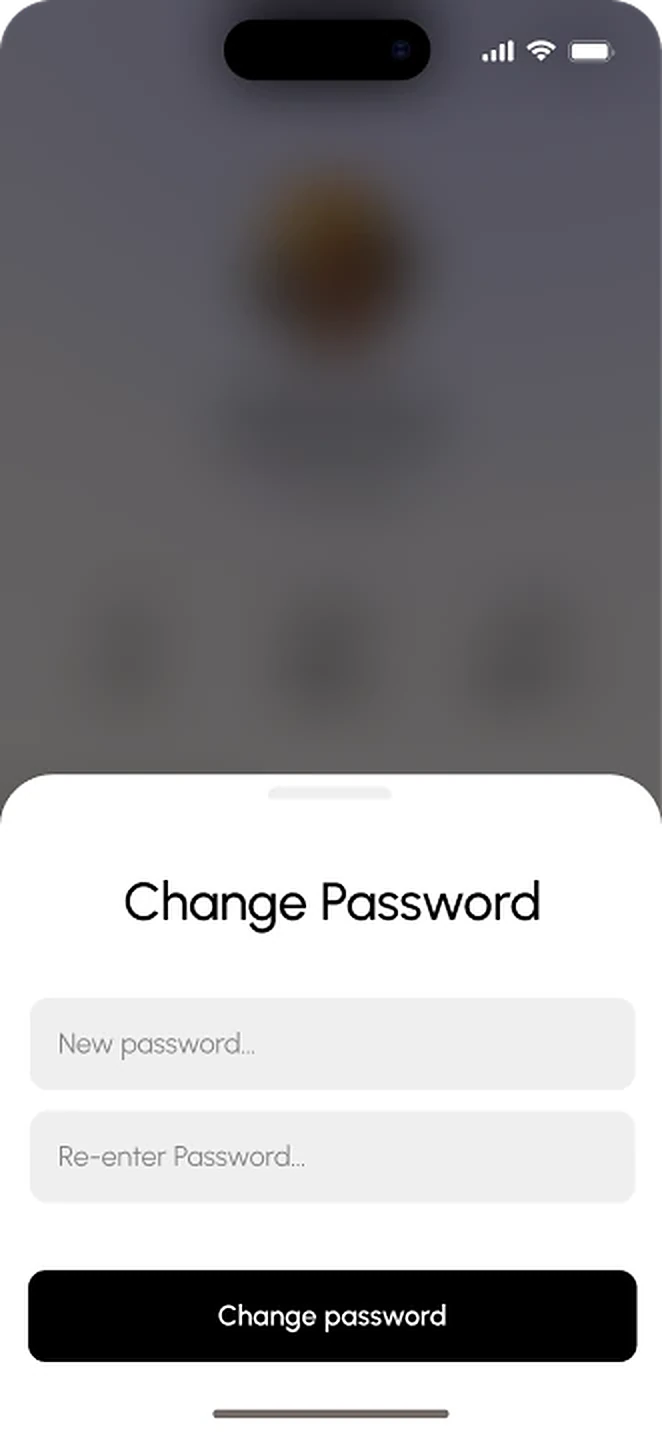
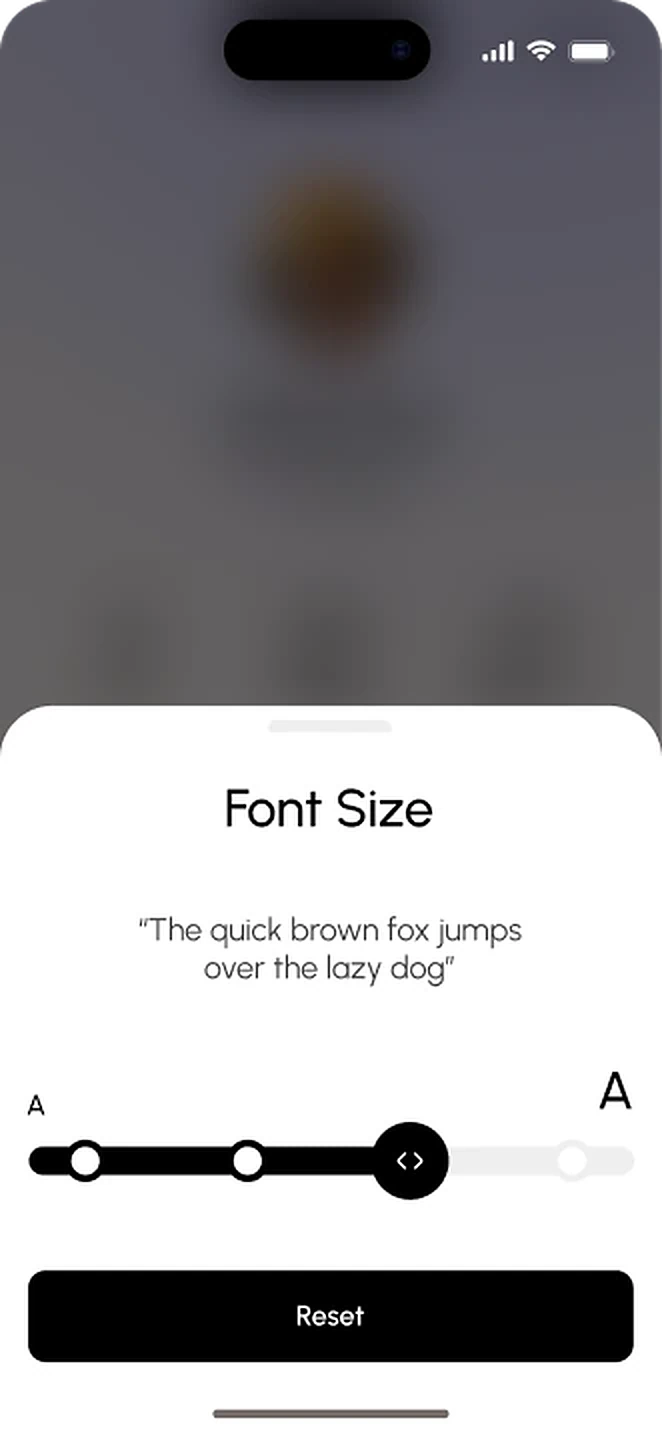
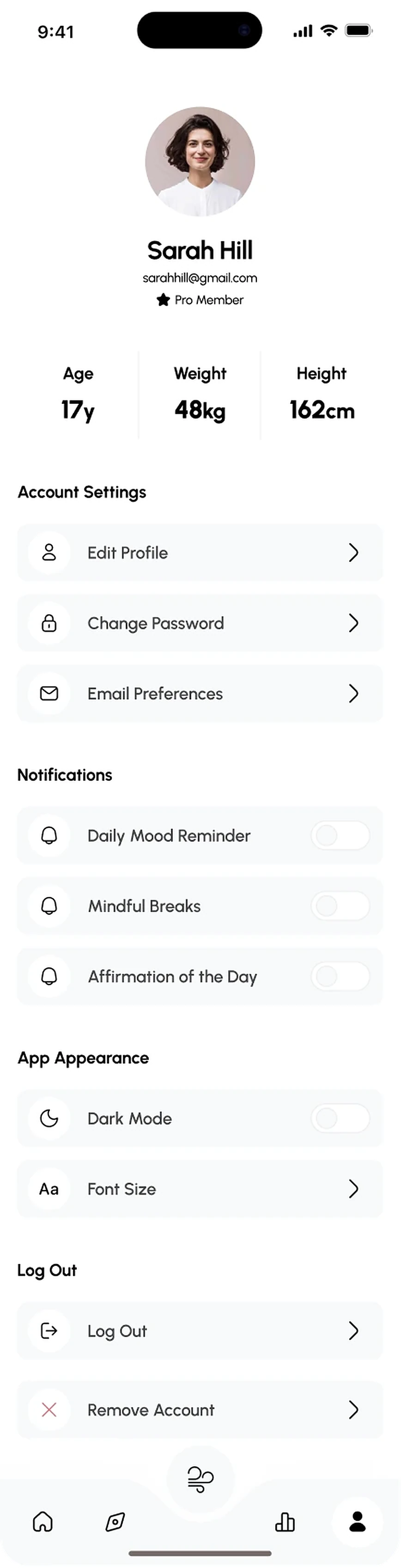
Users control their experience: customise the dashboard layout, adjust reminder timing and tailor check-in questions. The app fits around your routine, not the other way around.
Settings & personalisation
Users control their experience: customise the dashboard layout, adjust reminder timing and tailor check-in questions. The app fits around your routine, not the other way around.
Daily check-in
A recurring assessment shows how users are really doing, feeding personalised recommendations and long-term insights.
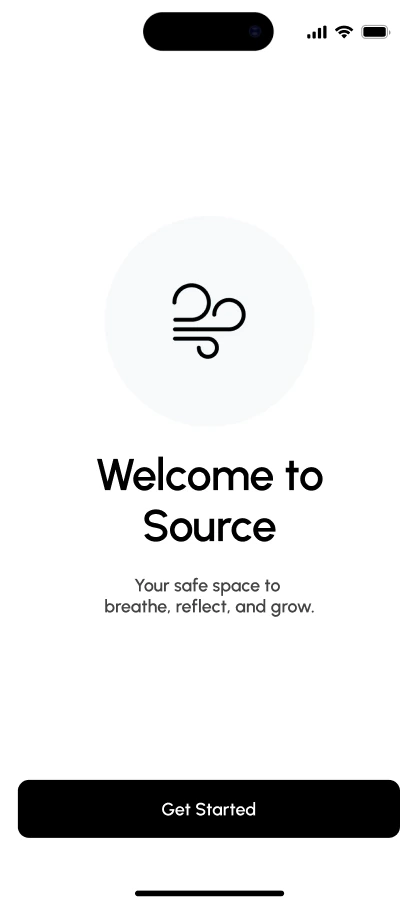
Welcome
A calm start before question one.
- One clear Get Started button
- Reassuring line sets the tone
- Nothing to set up first
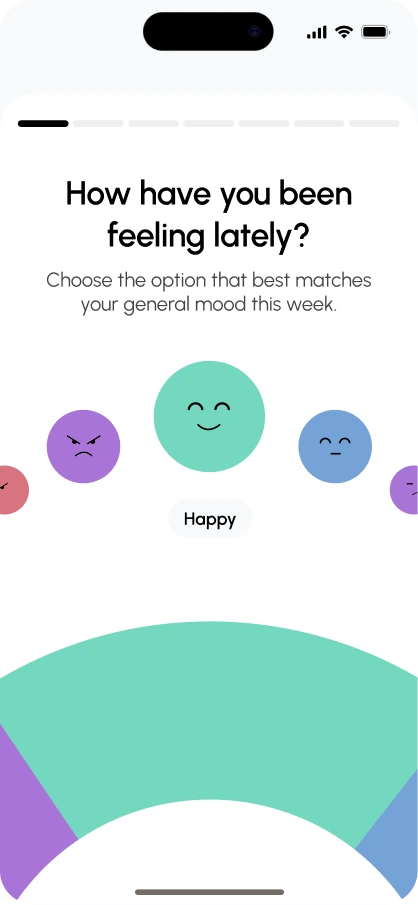
Mood
Opens with how you feel right now.
- Faces instead of a scale
- Chosen mood is named
- Swipe to browse the options
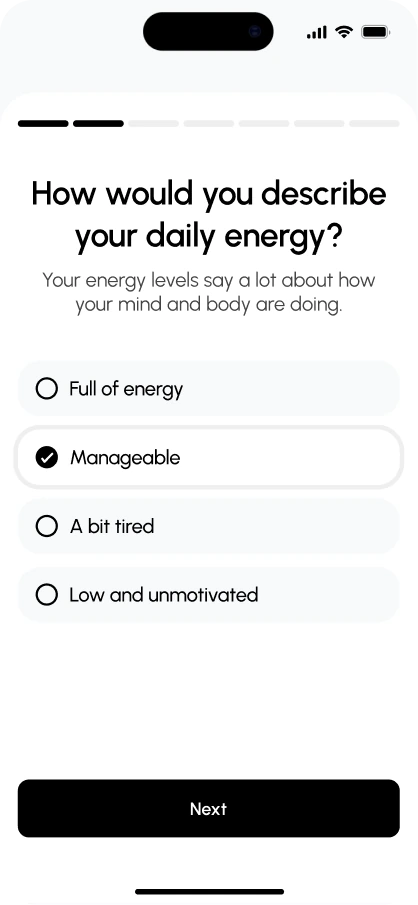
Energy
Plain words rather than numbers.
- Four simple choices
- Selected answer stands out
- Progress bar shows how far
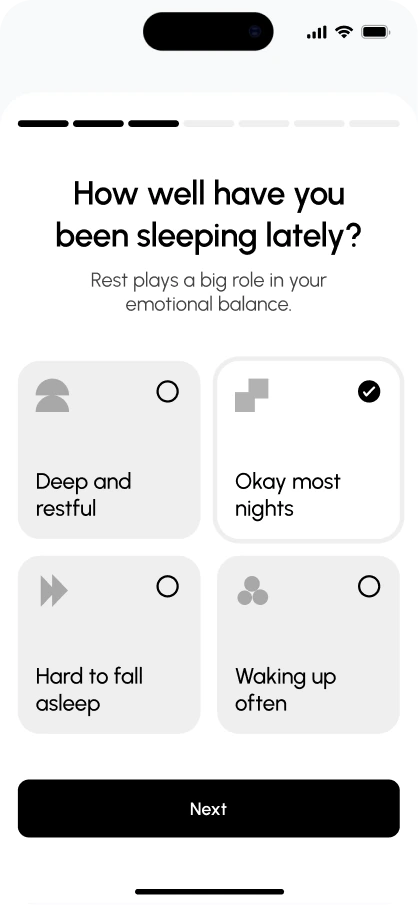
Sleep
Rest is checked on its own.
- Large cards with icons
- One choice, clear selection
- Short line explains why
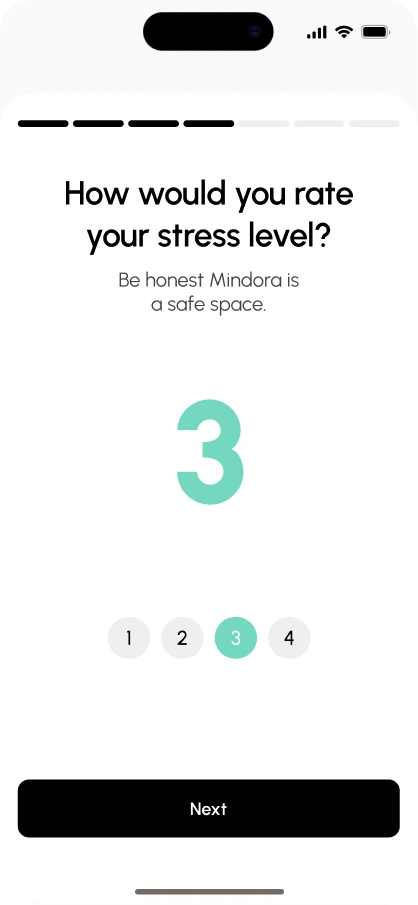
Stress
A one to four stress rating.
- Big number gives feedback
- Tap a step to change it
- Honest, safe-space wording
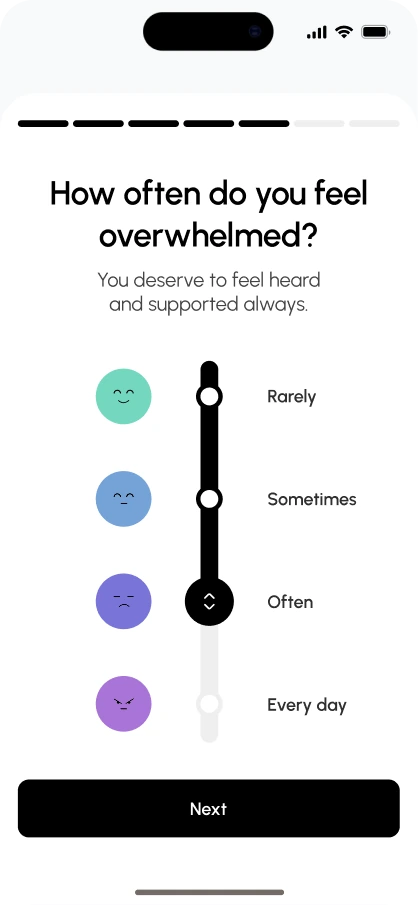
Overwhelm
A slider makes frequency physical.
- Drag from rarely to daily
- Faces change with the answer
- Kind, supportive wording
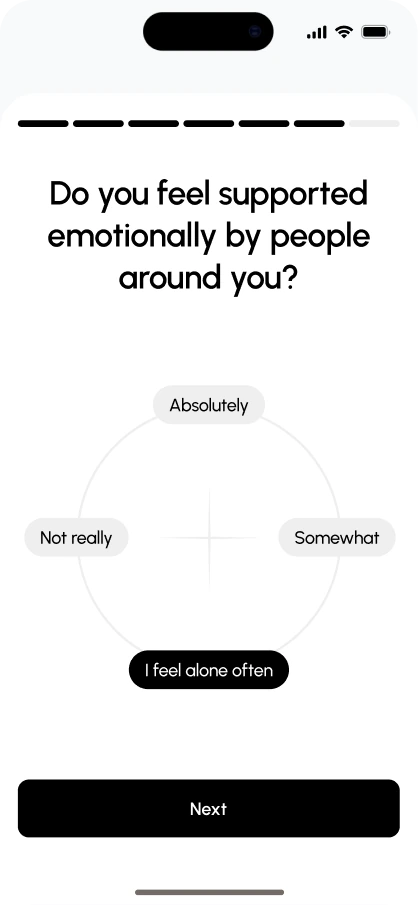
Support
How supported you feel by others.
- Four answers around a circle
- Selected answer turns black
- Keeps a heavy question light
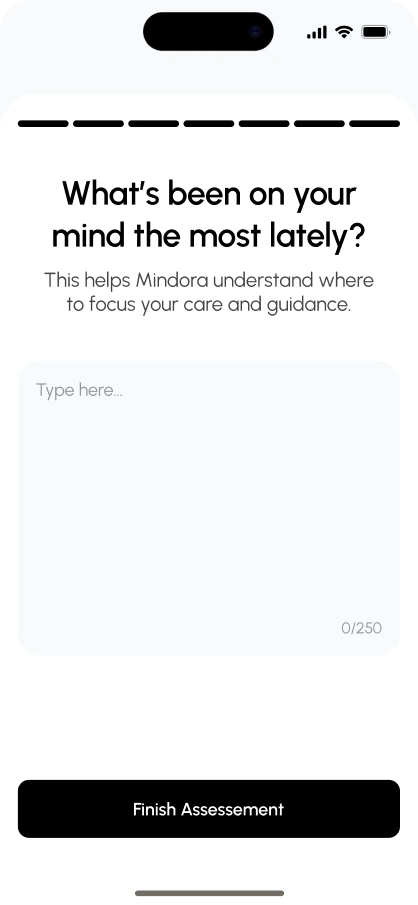
Finish
An open question to close.
- Free text, 250 characters
- Explains how it is used
- Finish Assessment completes
Connecting breathwork, mood, nutrition, sleep and journaling in one interface, Source helps users see the full picture of their wellbeing.
Early usability testing showed strong engagement with the daily check-in, and users called mood tracking “surprisingly enjoyable.”